

One Inventory List gives you a complete overview of all your company's assets—from tools to laptops. Here you'll find a Free template in Excel and PDF formats available for download, along with instructions on what should be included in a good inventory list and how to create one.
One Inventory List is a structured list of all items (inventory) belonging to a company, a department, or a location. It documents what is on hand, where it is located, and its value. As such, it serves as the foundation for inventory counts, fixed asset accounting, and proper operational organization.
Every inventory list should include this information—it is already set up as columns in our template:
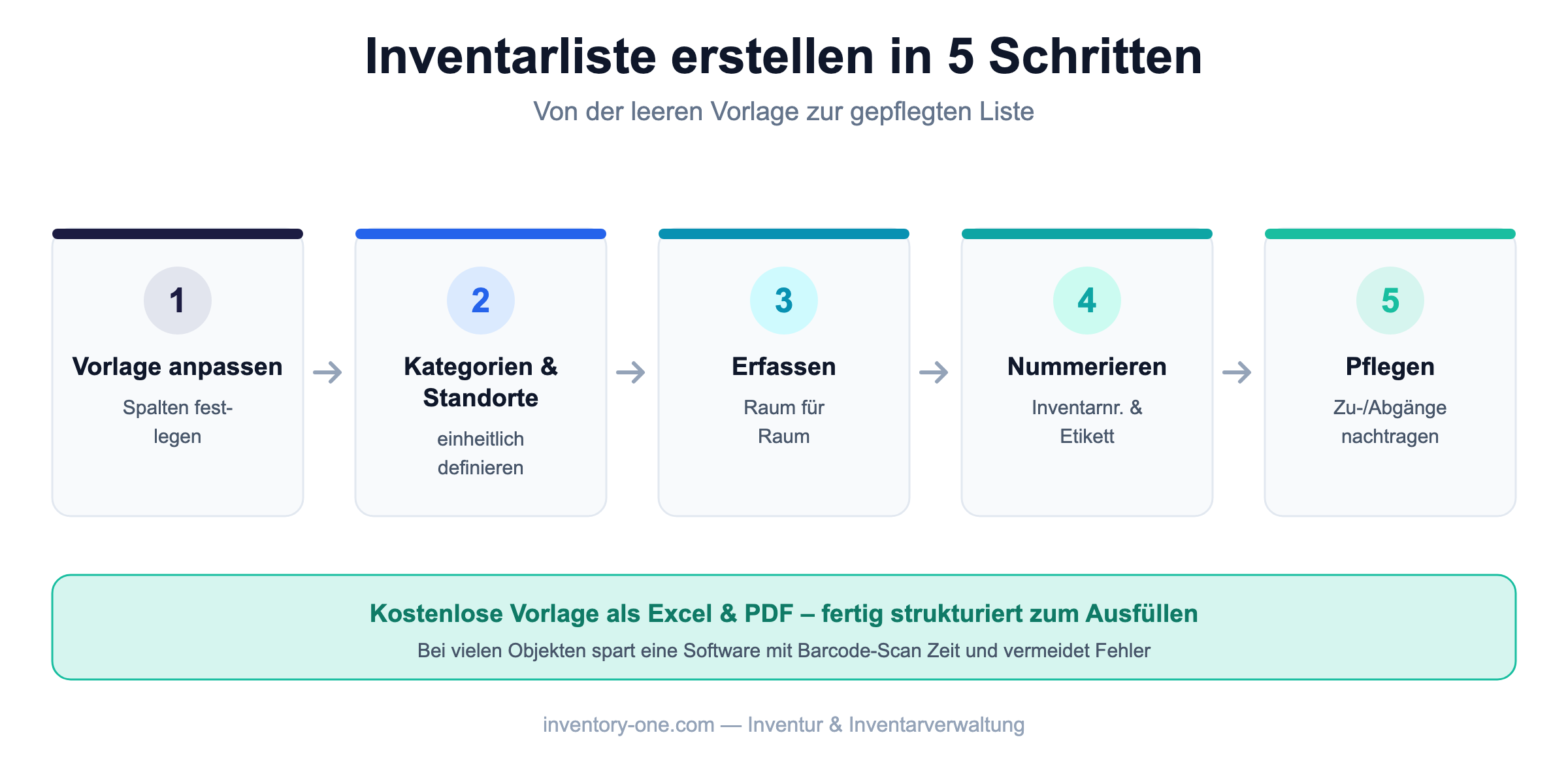
An Excel inventory list is ideal for getting started and managing small inventories. However, as the number of items increases, maintaining the list becomes time-consuming: duplicate entries, outdated locations, and missing history can quickly lead to errors. At that point, at the latest, it’s worth switching to software—you can usually import the structure of your list directly.
A template is the perfect place to start—but as your inventory grows, Excel reaches its limits: duplicate entries, outdated locations, no history. With Inventory ONE Enter each object via Barcode/QR Code Scan, view location and history in real time, and manage the Mobile Inventory Count via App. Learn more on our pages about Inventory management and Inventory Software.
A structured list of all items owned by a company, including details such as inventory number, description, location, quantity, and value.
At a minimum, the inventory number, description, category, location, quantity, and the date and cost of purchase. Our template already includes these columns.
Yes. You can download our template above for free as an Excel file and as a PDF.
For small inventories, Excel is sufficient. If you have many items, multiple locations, or frequent changes, software is more efficient and less prone to errors.
About 10,000 satisfied users Trust in Inventory ONE