Identify every piece of equipment immediately: Simple QR code, Barcode or NFC tag scan - and all the information is on your smartphone. No long searches, no manual typing, no mix-ups.




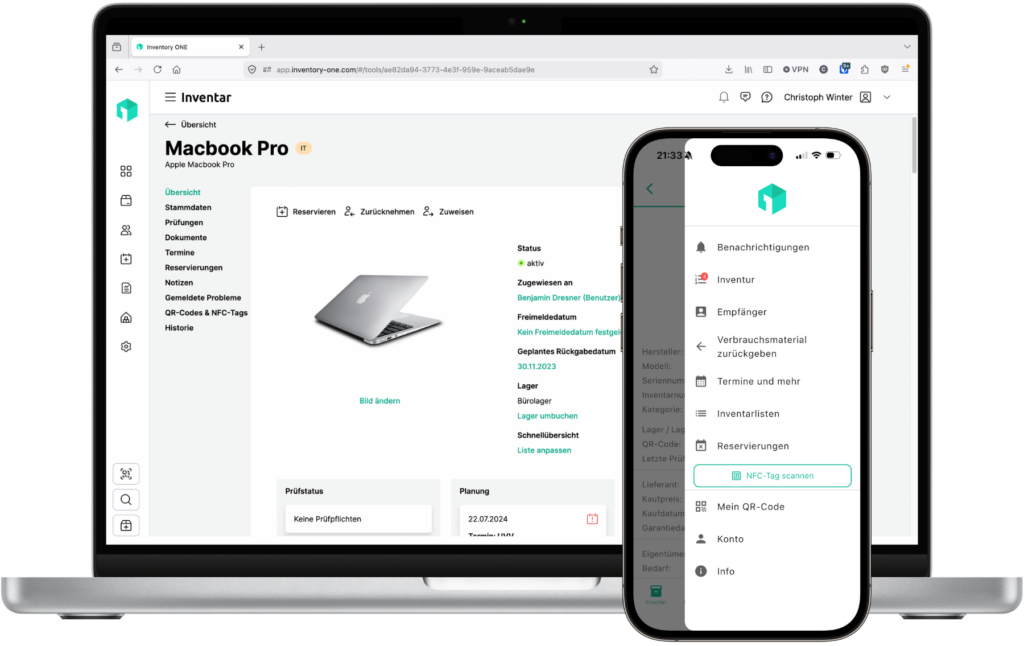
Inventory ONE supports all common scanning methods. Use existing codes or add new tags - flexibly according to your operation.
Order QR code labels - either directly from us or via a provider of your choice - and attach them to your equipment. The scan via smartphone camera opens the device immediately in the Inventory ONE app.
Existing barcodes on devices, tools, packaging or third-party inventory can be read directly into Inventory ONE - regardless of whether the code originates from you or was printed by the manufacturer.
NFC tags can be inconspicuously attached to equipment and read by briefly approaching a smartphone - particularly suitable for environments without a direct line of sight, such as in switch cabinets, machines or areas that are difficult to access.
It takes less than ten minutes from setup to the first scan. Inventory ONE guides you through the process.
Order QR code labels from us or a provider of your choice - or read an existing barcode or NFC tag directly and link it to your equipment.
Stick on the QR code label or connect the NFC tag to the equipment. From this moment on, the device is permanently identifiable - by any employee, anywhere.
Scan the code or tag with your smartphone - Inventory ONE opens the equipment immediately. Issue, return, maintenance or inventory can be started directly with a single tap, without searching or typing.
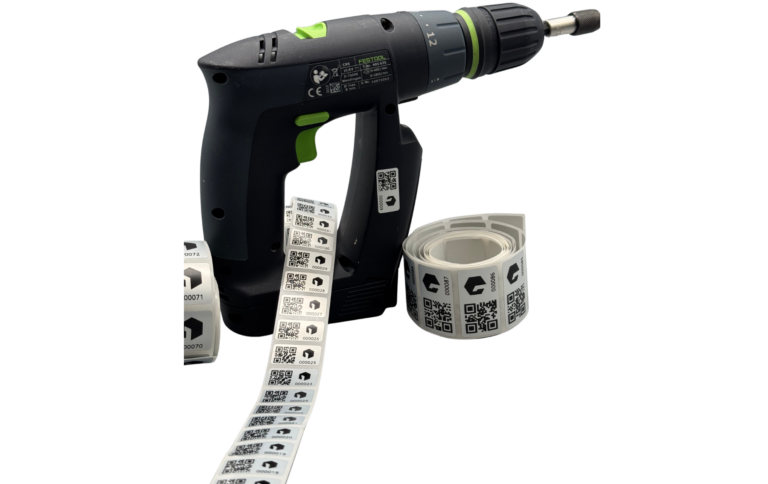
Inventory ONE turns any smartphone into a fully-fledged inventory scanner - with no extra hardware and no training required.
QR code labels can be ordered directly from Inventory ONE, printed on a standard label printer or purchased from an external provider - in various formats and sizes.
Barcodes that are already printed on devices, machines or packaging can be linked directly in Inventory ONE without any detours - regardless of where they come from.
Water- and dirt-resistant NFC tags also hold reliably on construction sites, in workshops and in outdoor use. Simply tap your smartphone - done.
After the scan, Inventory ONE opens the equipment with all the stored information: Location, maintenance history, condition, recipient and current status - all at a glance.
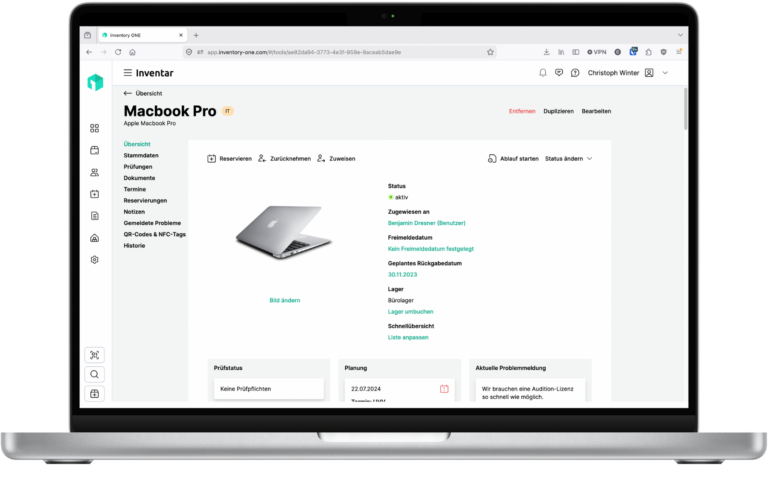
As soon as the scan is successful, Inventory ONE opens the equipment directly. From there, you can start any desired action with a single tap - without having to navigate through menus or search manually.
QR code, barcode and NFC tag scanning saves measurable time in every area of day-to-day operations.
Instead of manually searching for items in lists, simply scan and confirm. Stocktaking becomes a routine instead of a major event - faster, more accurate, less error-prone.
Scan the tool or device, select the recipient, done. The booking is completed in seconds - even for employees who are not yet familiar with Inventory ONE.
Scan the device and open the maintenance log directly or enter a test result - without searching in the application, directly on site at the equipment.
No need to learn complex search lists: Simply scan - the system automatically displays all information and possible actions.
For small craft businesses or large construction companies. For schools or local authorities. For companies in building cleaning or catering businesses. Inventory ONE puts an end to tedious paperwork and brings order to your inventory. This leaves more time for the essentials. Welcome to the future of equipment management!
About 10,000 satisfied users Trust in Inventory ONE